VR Gaming: Is It the Future of Interactive Entertainment?
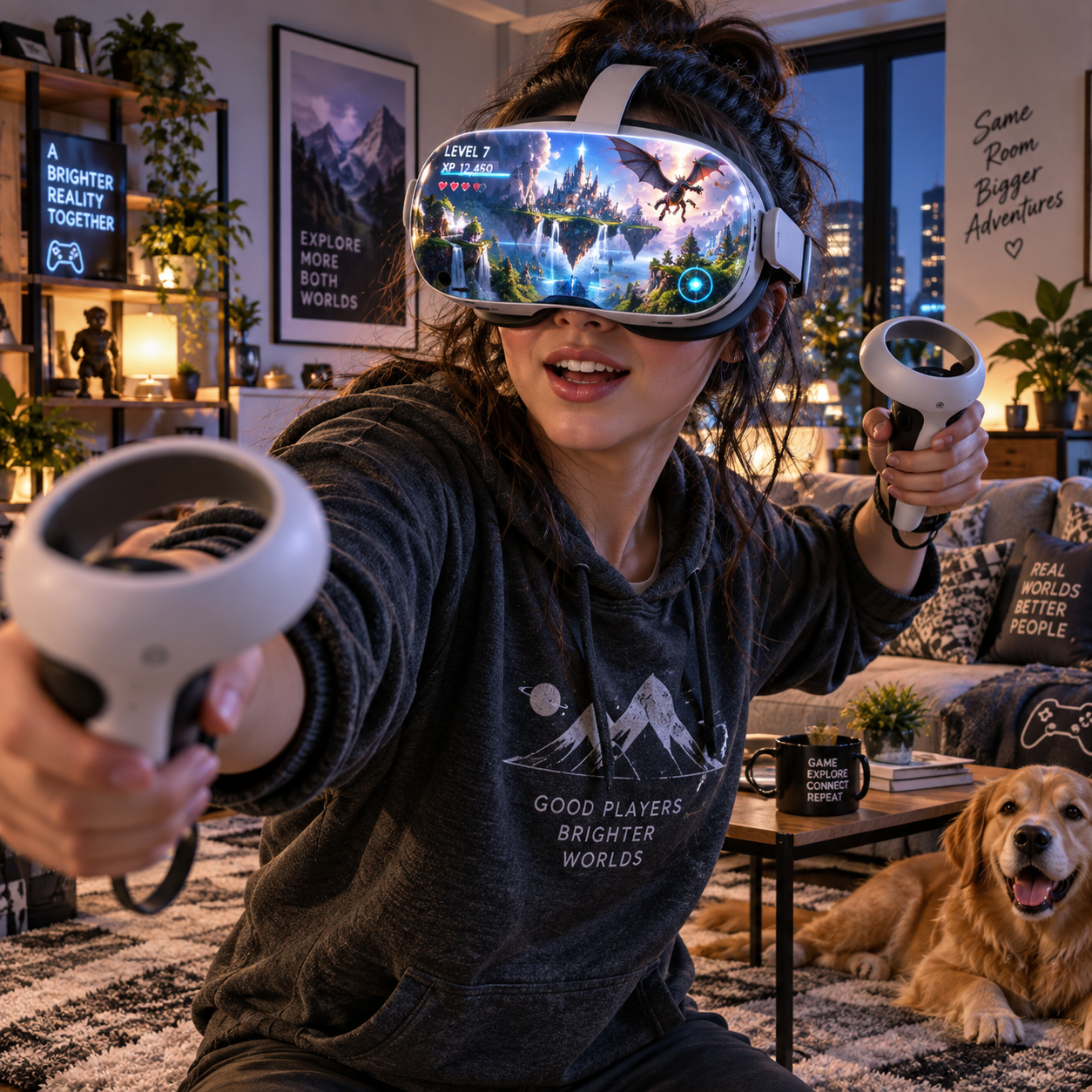
Virtual reality gaming puts players inside a digital space, where turning your head, reaching out, and moving your hands can become part of the game. That shift makes VR feel different from playing on a television or monitor, but it also brings practical trade-offs around comfort, cost, setup, and game choice.
So, is VR gaming the future of interactive entertainment? It may become a lasting part of gaming rather than a replacement for traditional play. Its strongest appeal lies in experiences that benefit from presence and physical interaction, while flatscreen games remain easier to access and better suited to many genres and routines.
What Makes VR Gaming Different?
VR gaming uses a headset to place a stereoscopic view around the player, while motion controllers or hand tracking let them interact with objects in three-dimensional space. The result is gameplay shaped by where you look and how you move, rather than only by buttons and a camera on a screen.
A headset tracks head movement so the virtual view changes as you look around. Many systems also track controllers, allowing actions such as aiming, grabbing, drawing, or swinging. In a rhythm game, you might strike targets with both hands; in a puzzle game, you may rotate an object by physically turning it.
This makes spatial interaction central to VR. The player’s body becomes part of the control scheme, which can make a simple action feel immediate. Yet the same design can be tiring: reaching repeatedly, standing for a long session, or wearing a headset may suit one player and frustrate another. VR is most compelling when movement adds meaning, not when it is included just to show off the hardware.
Where VR Gaming Excels
VR gaming excels when presence, physical interaction, or shared space makes play more engaging. It can make a compact game feel vivid by letting players look around a cockpit, step closer to a puzzle, or react to objects approaching from different directions.
Immersive gameplay is the obvious draw, but immersion is not only about detailed graphics. Sound direction, responsive controls, and believable scale all contribute. A virtual room can feel convincing even with stylized visuals if its objects behave consistently and the player can interact with them naturally.
Physical actions also suit particular genres. Rhythm games turn movement into the challenge, while archery, boxing, and simulation games use aiming or hand placement as core mechanics. These interactions can make the game feel more active, though they are not a substitute for a dedicated workout program and may not fit every player’s mobility or space.
Multiplayer VR adds another layer. Avatars can gesture, point, and share a virtual environment, giving conversations a sense of presence that voice chat alone does not provide. The experience depends on the game’s community, moderation, and matchmaking; a strong social format cannot make an empty lobby feel lively. For players who enjoy meeting friends in-game, however, virtual spaces can become a distinctive part of the gaming routine.
The Current Challenges of VR
VR still faces limits around comfort, accessibility, setup, and the size and variety of its game library. Those issues do not make the technology unusable, but they can determine whether a headset gets regular play or ends up on a shelf.
Player comfort varies by person and game. Some players experience motion sickness when the virtual view moves in a way that does not match their body’s movement. Fast artificial locomotion, turning, and frame-rate interruptions can be difficult for sensitive players. Seated games, teleport movement, and short sessions may help, but no single setting works for everyone. Stop if you feel unwell rather than trying to push through symptoms.
Accessibility is broader than motion sickness. A headset can feel warm or heavy, require a clear play area, and make it harder to see the room or interact with people nearby. Prescription glasses, mobility needs, and the ability to use controllers comfortably also matter. Before playing, clear obstacles and use the system’s boundary or guardian setup to mark a safe area.
The VR game library also deserves a close look. Headsets differ in their supported games, storefronts, tracking features, and whether they need a gaming PC or console. Some players will find a few standout titles they return to; others may want a wider rotation than their preferred platform offers. Check the games you actually want to play before choosing hardware, and remember that a large catalog does not guarantee every title will suit your tastes.
VR Gaming vs. Traditional Gaming
The main difference is that VR makes physical presence and movement part of play, while traditional gaming usually relies on a screen, controller, keyboard, or mouse. Neither format is better for everyone; the right choice depends on the kind of experience and convenience you value.
Traditional gaming is often easier to start. You can sit down, use familiar controls, and play for a short or long session without clearing floor space or wearing equipment. It also offers a broad range of genres, from strategy and role-playing games to competitive shooters. For precision, long sessions, or playing while multitasking, a monitor and standard controller may be more comfortable.
VR can be a better fit when looking around, reaching, aiming, or sharing a virtual environment is central to the fun. But it asks more of the player: setup takes time, movement can be tiring, and comfort may limit session length. A useful comparison is to ask what the game asks your body to do. If its best moments come from physical presence, VR may add real value. If the appeal is story, tactics, or relaxed exploration, a flatscreen version may work just as well.
What to Consider Before Trying VR
Before trying VR, check platform compatibility, game availability, play space, comfort, and how you prefer to move. A short trial with a game that matches your interests can tell you more than choosing a headset based on specifications alone.
- Start with the game: Make a shortlist of specific VR titles, then confirm which headsets support them. Check whether a PC, console, or separate account is required.
- Match the hardware to your setup: Standalone headsets are convenient because they run games without a gaming PC. PC-connected systems can offer access to PC VR titles, but require compatible hardware, cables or wireless setup, and more troubleshooting.
- Measure your space: Clear a safe area and check the headset’s recommended boundary setup. A seated experience may suit a small room; games with broad arm movements need more clearance.
- Choose comfort-friendly controls: For a first game, consider stationary or seated play, short rounds, and options such as teleport movement. Take breaks and adjust the headset rather than tolerating pressure or discomfort.
A common first-time mistake is buying a headset before checking its game library. Another is starting with a fast-moving title because it looks exciting, then mistaking discomfort for a problem with all VR. Try a slower experience first and build up gradually. If you can, borrow or demo a headset; the fit and sense of motion are personal, and reviews cannot fully predict them.
VR Gaming and the Future of Streaming
VR gaming can make engaging streams, but broadcasts need to help viewers understand what the player sees and does. A headset view alone may look shaky or confusing, so successful VR streaming often combines gameplay capture with clear commentary and a camera view of the player.
For creators, VR offers natural reactions, physical comedy, and game mechanics that are easy to demonstrate on camera. A streamer can show how a puzzle works by reaching for objects or let viewers watch a multiplayer conversation unfold. At the same time, headset footage can move quickly as the player turns, and the stream may not communicate depth or scale as clearly as the player experiences it.
Creators can make broadcasts easier to follow by choosing a stable viewing angle, explaining their actions, and keeping the play area safe from equipment and furniture. Audience participation also depends on the game: some titles support social lobbies or viewer-friendly interactions, while others are designed for solo play. VR is therefore a promising format for particular channels and communities, not a guaranteed upgrade for every stream. Its future in entertainment will depend as much on useful games and comfortable hardware as on spectacle.
Frequently Asked Questions About VR Gaming
VR gaming is accessible to beginners, but comfort, compatible hardware, and game choice affect the first experience. These quick answers cover common questions from new players and streamers.
Is VR gaming worth trying for beginners?
Yes, if you are curious about physical interaction or immersive gameplay. Start with a short, stationary or seated experience, check that it suits your headset, and take a break if you feel discomfort. A demo or borrowed headset is a sensible way to test your tolerance before spending money.
Do you need a powerful PC to play VR games?
No. Standalone headsets run supported VR games without a gaming PC. A PC is needed for many PC VR titles and must meet the relevant headset and game requirements. Confirm compatibility before buying, since PC-connected play can offer more options but adds cost and setup.
Can you stream VR gameplay?
Yes. Many players capture gameplay through headset or computer software and broadcast it using a streaming platform. Check the headset’s capture options and your PC’s capability, then test audio, camera placement, and viewer visibility before going live.
What should first-time VR players consider for comfort?
Fit the headset securely without overtightening, clear the play area, and begin with a short session. Choose gentle movement options and stop if you feel nausea, dizziness, or eye strain. Comfort differs between people, so adjust settings and session length to suit you.